Cover
Date
January 13, 2026
Tags
googledocsmarkdown
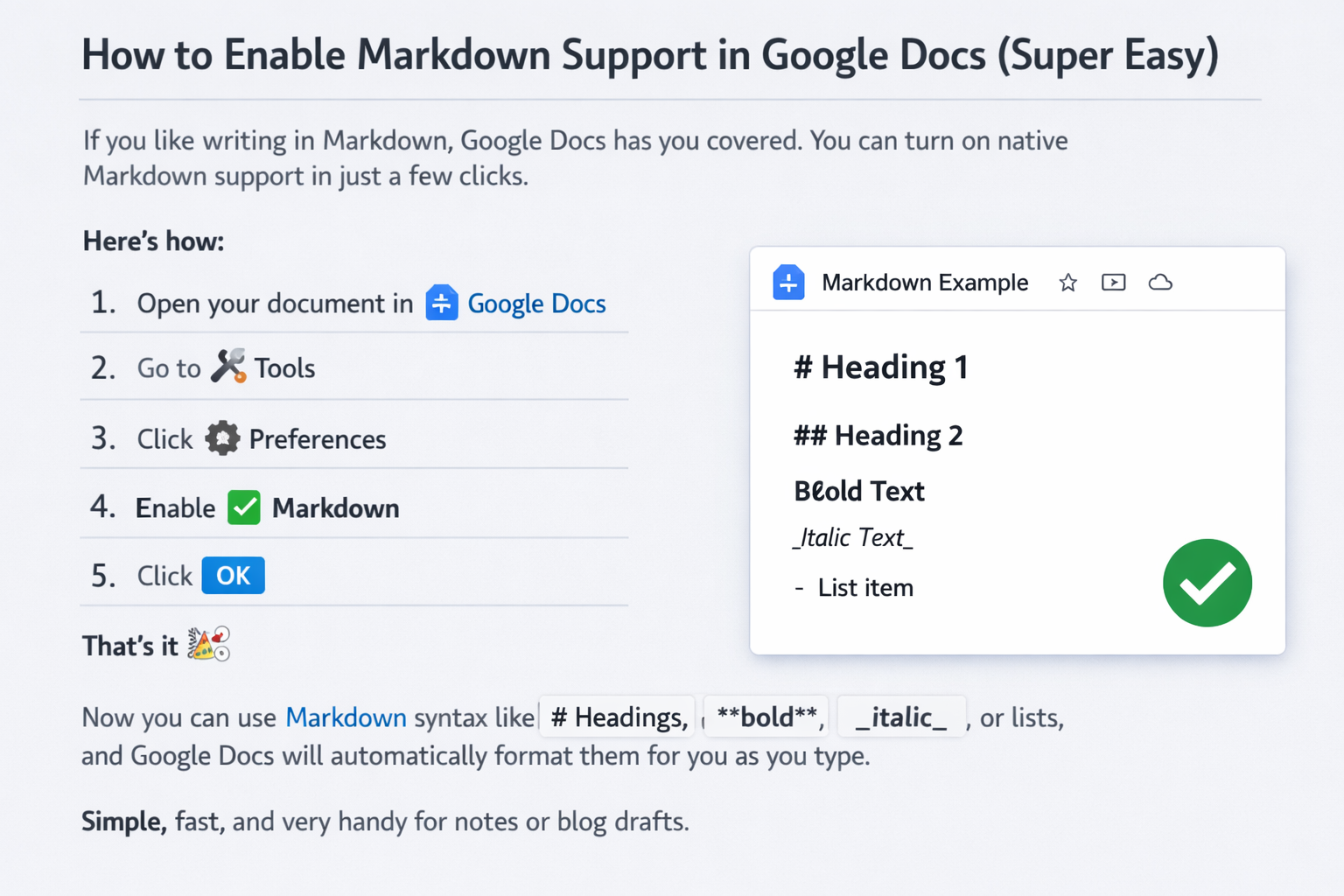
If you like writing in Markdown, Google Docs has you covered. You can turn on native Markdown support in just a few clicks.
Here’s how:
- Open your document in Google Docs
- Go to Tools
- Click Preferences
- Check Enable Markdown
- Click OK
- Right Click Paste from Markdown
That’s it 🎉
Now you can use Markdown syntax like # Headings, **bold**, _italic_, or lists or tables. Just use Paste from Markdown and enjoy.


